
ABOUT US
Canada’s Best
Destination for Donating and Fundraising Online
A Charity that Supports All Canadian Charities
Support over 85,000 Canadian registered charities via digital donations through CanadaHelps. From local favourites to those internationally recognized. Plus, we give the charities you love their funds the fastest, and innovative fundraising tools or training programs to further their missions.


A Free, All-In-One
Donation Solution
for Donors
No more hunting down your tax receipts, or trying to remember how you donated! Easily track donations and get instant tax receipts – all for free in your CanadaHelps account. Plus, with 8+ ways to give to your favourite charities, you can give how you want, all in one place.
Our Mission
Our mission is to spark generosity and power positive change.
Our Vision
Our vision is a world where everyone can thrive.
Access the Charitable Giving
Account Made for You
Giving Made Easy:
All Your Favourite Ways to Give in One Place
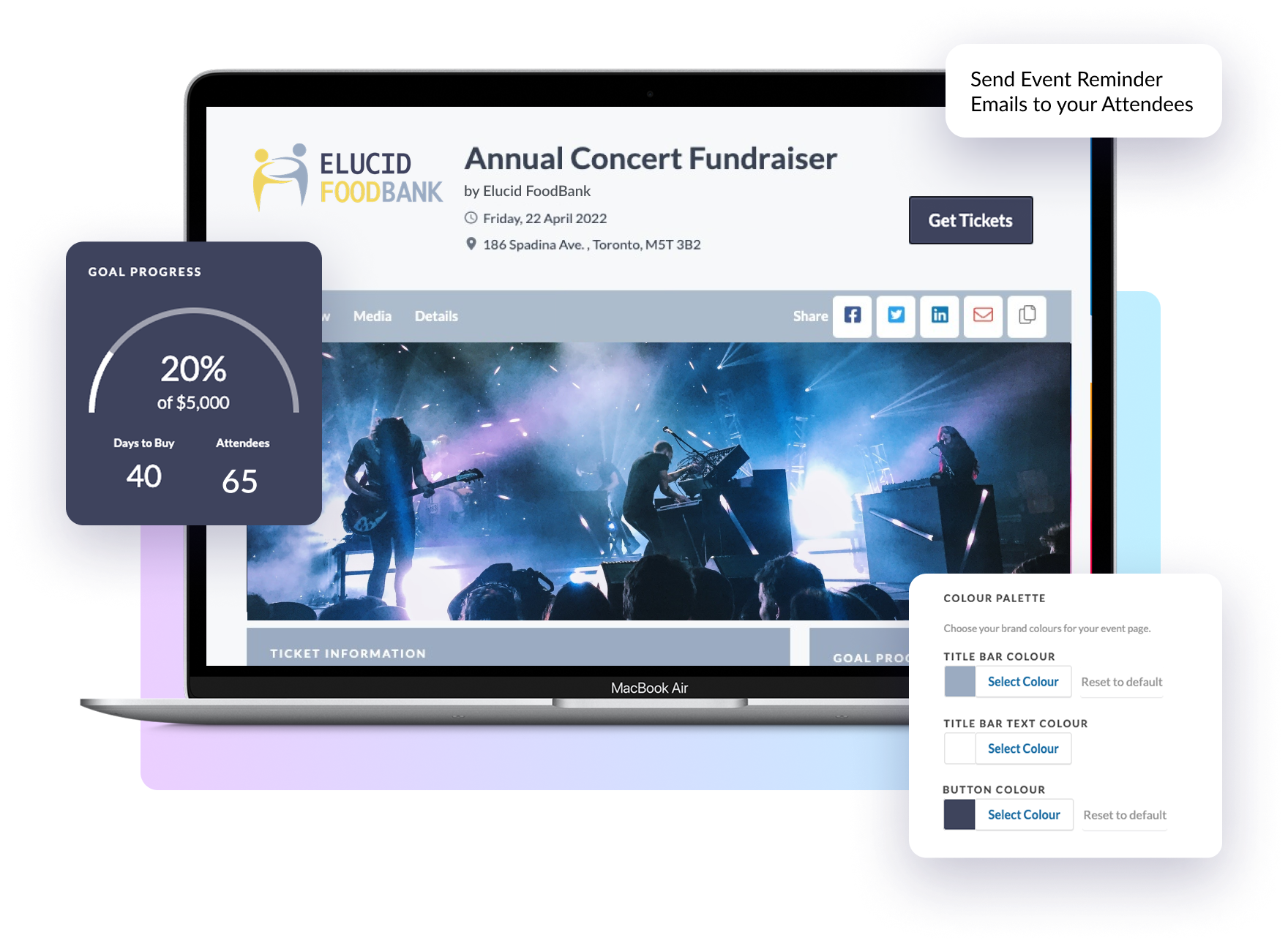
Donate once, give a charity gift card, buy a charitable gift, donate securities, or fundraise with friends and more, it’s easy at CanadaHelps! Plus, you choose how much information to share with each charity.
Stress-free Tax-time with Instant Tax Receipting
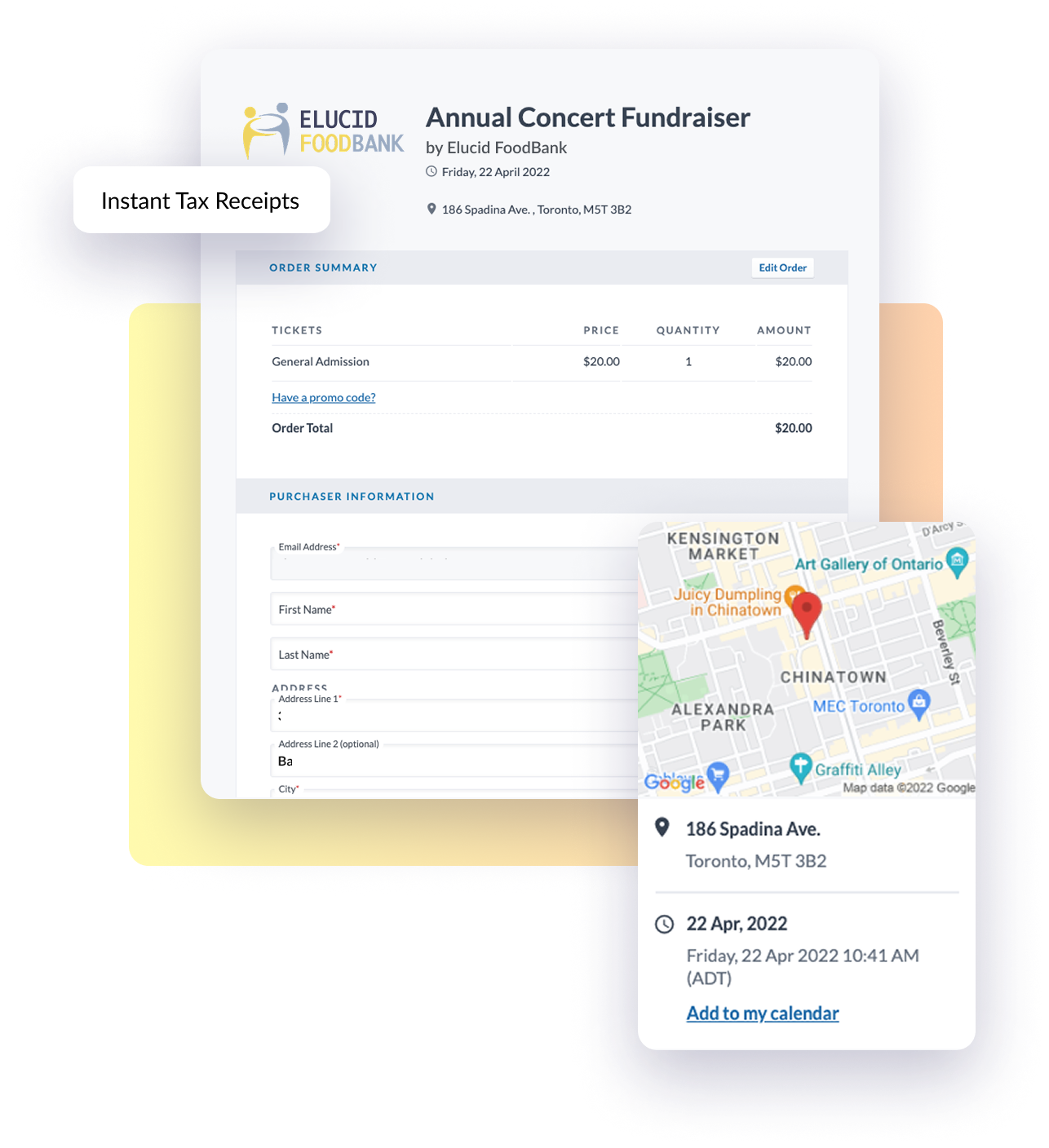
Never lose another charitable tax receipt again! Customize how you want to receive your tax receipts: instantly or as a roll-up tax receipt at the end of the year. Plus, access all your receipts anytime, all in one place.
Double the Impact with Each Donation
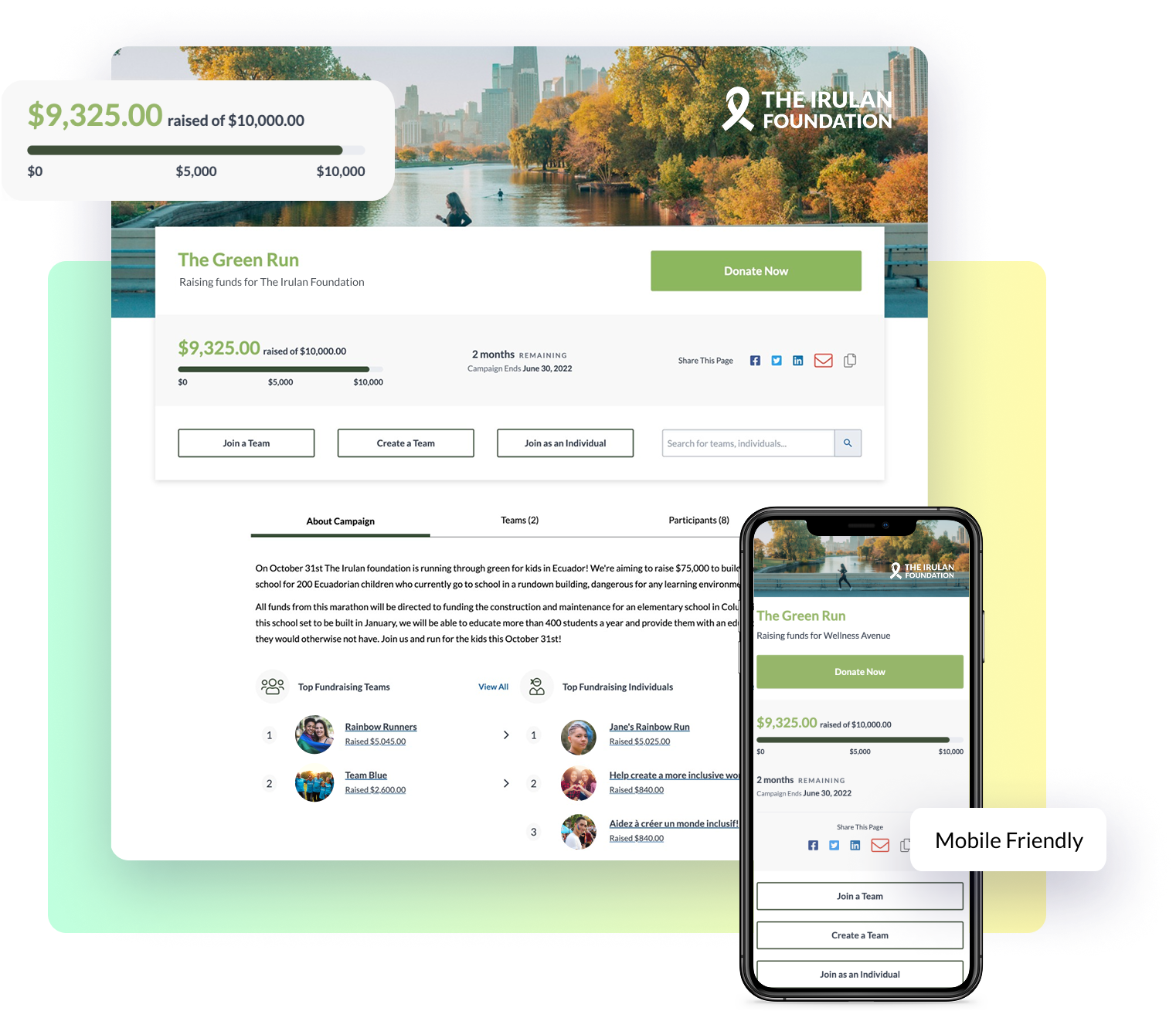
Every donation through CanadaHelps supports our work in building tools and programs that remove barriers from charities so they can focus on their missions instead of administration. Plus, we offer the fastest disbursements to charities.
CanadaHelps understands fundraising in Canada… That’s huge because being a Canadian charity, and in Alberta, we have the toughest fundraising regulations that we need to comply with, and CanadaHelps gets it. If we do our online donations with you, we’re in compliance.
Doreen Slessor
CFRE, Director of Development, ARNET


Join the Team
Help make giving easier for charities and donors across Canada by joining our growing team of expert data analysts, marketers, charity support specialists, engineers, HR specialists and more.
Giving Made Easy:
All Your Favourite Ways
to Give in One Place
Donate once, give a charity gift card, buy a charitable gift, donate securities, or fundraise with friends and more, it’s easy at CanadaHelps! Plus, you choose how much information to share with each charity.
Double the Impact with
Each Donation
Every donation through CanadaHelps supports our work in building tools and programs that remove barriers from charities so they can focus on their missions instead of administration. Plus, we offer the fastest disbursements to charities.
Find Your Favourite Charities

OUR IMPACT
$455,134,432
Raised for Canadian charities this year